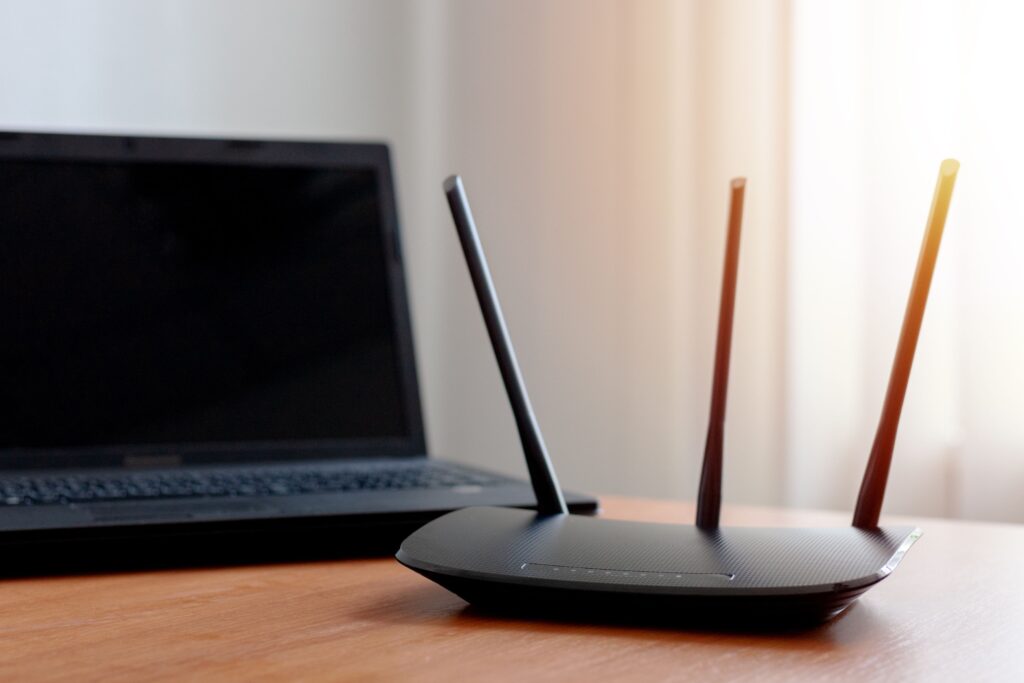
Wi-Fi has come a long way from the days of frequent buffering and dropped connections, and it’s about to take another leap forward. Wi-Fi 7 is the next generation of wireless technology delivering faster speeds, less lag and better performance for more devices.
How Wi-Fi Has Evolved (Wi-Fi 7 vs Wi-Fi 6)
According to the IEEE, new Wi-Fi standards are developed through a global, collaborative process to ensure new technology is reliable, secure and works seamlessly across devices. Wi-Fi 7 builds on Wi-Fi 6 and 6E by introducing wider channels, smarter traffic management and the ability to connect across multiple frequency bands.
Over time, Wi-Fi standards have steadily improved speed and reliability. In recent years, however, the biggest advancements have focused on how Wi-Fi performs in real homes—especially where many devices compete for bandwidth.
Wi-Fi 6, the current generation, improved efficiency by helping routers handle more devices at once and reducing congestion. Wi-Fi 6E extended those benefits into the 6 GHz band, which is often less crowded than 2.4 GHz and 5 GHz in many neighborhoods and apartment buildings.
Wi-Fi 7 takes the next step, adding features that reduce lag and increase how much data your network can move when both your router and connected devices support the latest technology.
Key Wi-Fi 7 Features That Matter at Home
Multi-Link Operation
Multi-link operation (MLO) is one of the most significant upgrades in Wi-Fi 7. Instead of your device using only one band at a time (2.4 GHz, 5 GHz, or 6 GHz), MLO lets supported devices connect across multiple bands or channels at once. What does that mean at home?
- Fewer slowdowns when the network is busy
- More consistent connections when moving around the house
- Better responsiveness for gaming, video calls and cloud apps
Your connection stays faster and more stable, even when your network is busy or you move around your home.
Wider Channels
Wi-Fi 7 can use wider channels than Wi-Fi 6/6E—up to 320 MHz on supported gear. Wider channels are like adding more lanes to a highway: more data can move at once. You’ll notice it most with:
- Faster downloads when you’re close to the router
- Better performance for high-bandwidth devices like gaming PCs, new laptops and next-gen streaming setups
4K-QAM
Wi-Fi 7 can also use 4096-QAM, which packs more data into each transmission when signal quality is strong. In ideal conditions, this can increase throughput compared to Wi-Fi 6/6E’s 1024-QAM, delivering higher peak speeds and improving bandwidth. When you’re close to the router, Wi-Fi 7 can deliver noticeably faster speeds than previous generations.
Better Performance in Crowded Environments
Wi-Fi doesn’t just need raw speed—it needs stability when there’s interference. Wi-Fi 7 improves how it uses available spectrum. In practice, this means fewer slowdowns during peak hours, like evenings when neighbors are streaming, gaming and working online at the same time.
How Fast is Wi-Fi 7?
Wi-Fi 7 is designed for multi-gig performance and, on paper, can reach extremely high maximum rates (often cited up to around 46 Gbps in ideal theoretical configurations). Real-world speeds will be lower and depend on:
- Your router/mesh hardware
- Your device (phone/laptop) capabilities
- Distance and walls
- Interference from nearby networks
- Your internet plan
The practical takeaway: Wi-Fi 7 gives your home more headroom, especially as internet plans and home devices keep getting faster.
Is Upgrading Worth It?
Wi-Fi 7 can be a smart upgrade. But ultimately, it depends on whether your home internet habits look something like this:
- Multiple people stream at the same time
- Gaming is a regular thing in your household
- You work from home and rely on stable video calls + uploads
- Your home has lots of connected devices (smart TVs, cameras, thermostats, speakers, tablets)
If you have a smaller household and a reliable Wi-Fi 6/6E setup, upgrading might not be urgent, especially if most of your devices don’t support Wi-Fi 7 yet.
What You Need To Run Wi-Fi 7 at Home
- A Wi-Fi 7 router
- Devices that support Wi-Fi 7
- An internet service, like Mercury Fiber, that can keep up
Mercury Fiber strives to build strong connections in America’s heartland by bringing fast internet to small towns and communities. As a regional internet provider serving small towns and communities, Mercury helps customers decide when new Wi-Fi technology actually makes sense for their homes. Whether you need help choosing the right gear or want a full-home connectivity plan tailored to Wi-Fi 7, our team is here to guide you. We’re proud to serve families across Indiana, Kansas, Michigan, Missouri, and Ohio. Check to see if we’re available at your home!